UniFi-ing My Home Network
Just shortly after Christmas, two things happened. My somewhat unprofessionally tinkered home network (I will NOT go into detail) started to become unstable, manifesting in random network and complete internet failures. Plus, my old ISP's minimum contract duration came to an end. What better time to redo everything? After all, 2026 should not start with bad internet at home.
The decision for my new ISP was instantaneous. In sommer I received a direct mailing (useful after all) that Wien Energie's SuperSchnell is available in my apartment building. Also, it happened that they had a special Christmas offer for newly signed contracts: Just € 39,99 for 1000 Mbit/s down- & upload was an absolute no-brainer.
So, Gigabit internet it is. With that promise, I then had only one goal: To deliver those speeds throughout the whole apartment to every device capable of them – which we do have a couple of due to recent (mainly Apple) device upgrades.
That meant I would need 2 access points since the apartment is very long and the fiber optic socket was in one corner. With only one access point deployed there, the other end of the apartment would only receive a fraction of the signal. Thankfully, the apartment building is not that old, so there was an empty conduit available to run cables through, so I did.
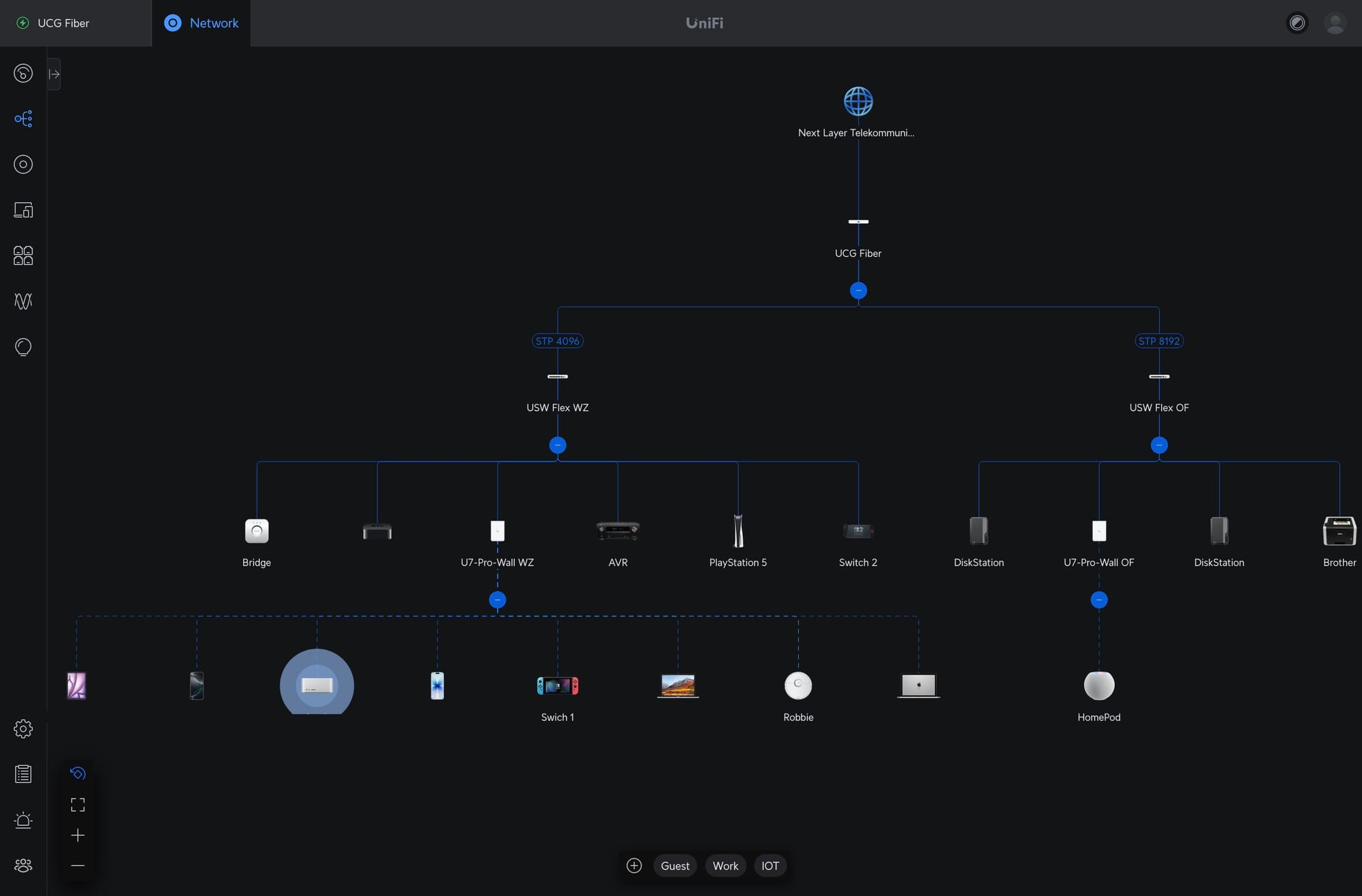
And now for the fun part: Since I had a wild mix of network gear from a router, different switches, and one quite aged access point, I could finally go all-in with Ubiquiti's UniFi. So my new home network consists of the following devices:
1x UniFi Gateway Fiber
2x UniFi Flex 2.5G PoE
2x UniFi U7 Pro Wall
The Gateway Fiber was a no-brainer since I did not want to bridge through the ISP's router. I could instead directly go into the Gateway's SFP WAN port via the fiber cable from the wall.
For the switches, I chose the Flex 2.5G PoEs since I wanted to future-proof (2,5 GbE) my network, have PoE available, and also use managed switches for VLAN tagging at the port level.
As for the access points, it took me some time to decide on. I finally settled on the U7 Pro Walls because of Wi-Fi 7 and 6 GHz support. Luckily, they were also on sale when I ordered them. I knew that Ubiquiti already had a successor in their portfolio with the U7 Pro XG Wall. But the main difference is 10 GbE (to which I do not intend to upgrade to any time soon…) and a new, fanless design. And since the APs would be hidden in an air-cooled media cabinet anyway, I did not care for looks and noise.
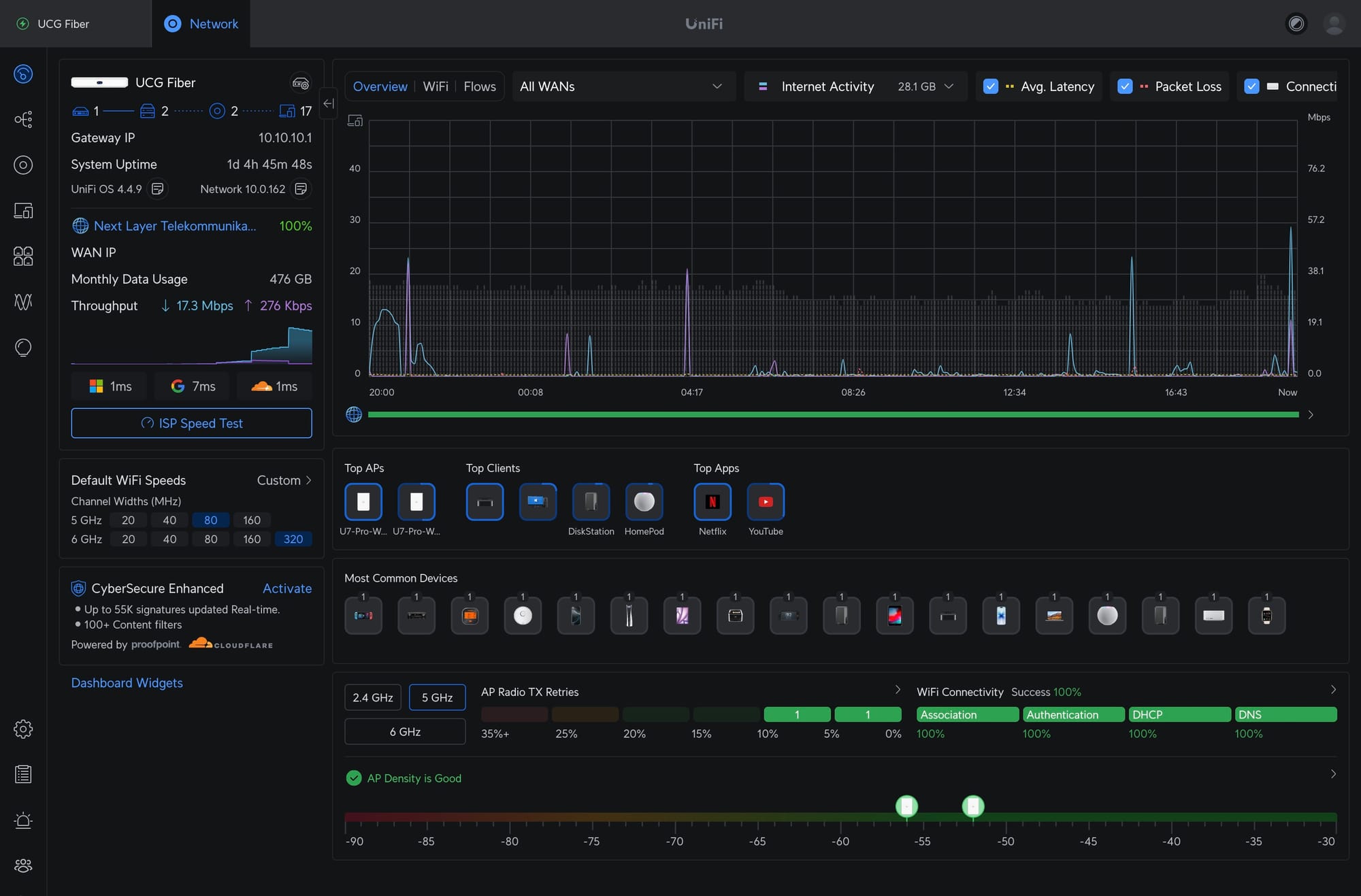
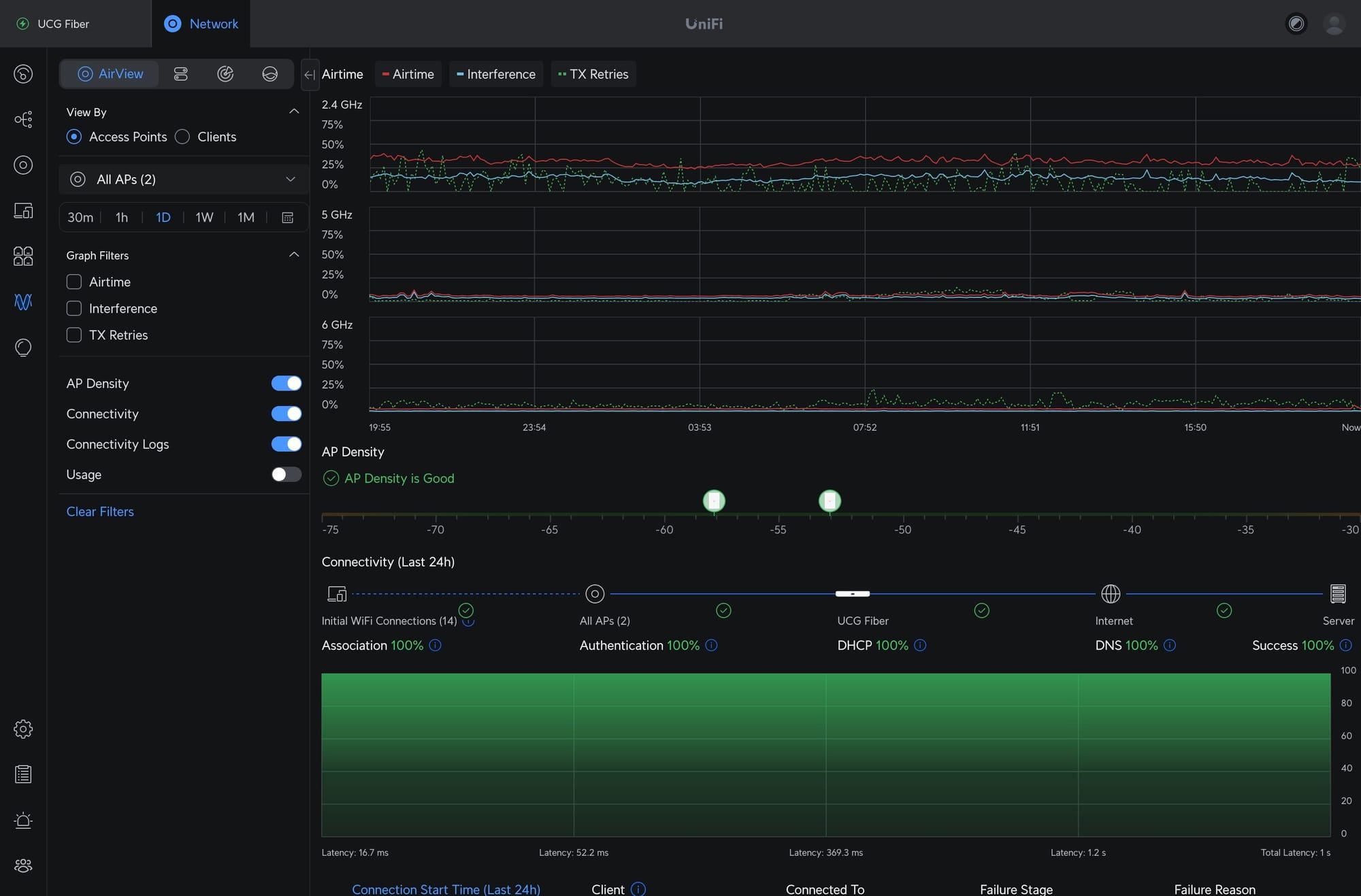
After installing anything (which took quite some time) and tinkering with the settings, I am happy to say that this blog post has been published through the new home network. And since UniFi provides such nice graphs and dashboards, I do not spare you with some screenshots. Later, I would maybe also add real-life setup photos, or I will put them into a blog post about my air-cooled media cabinet.